
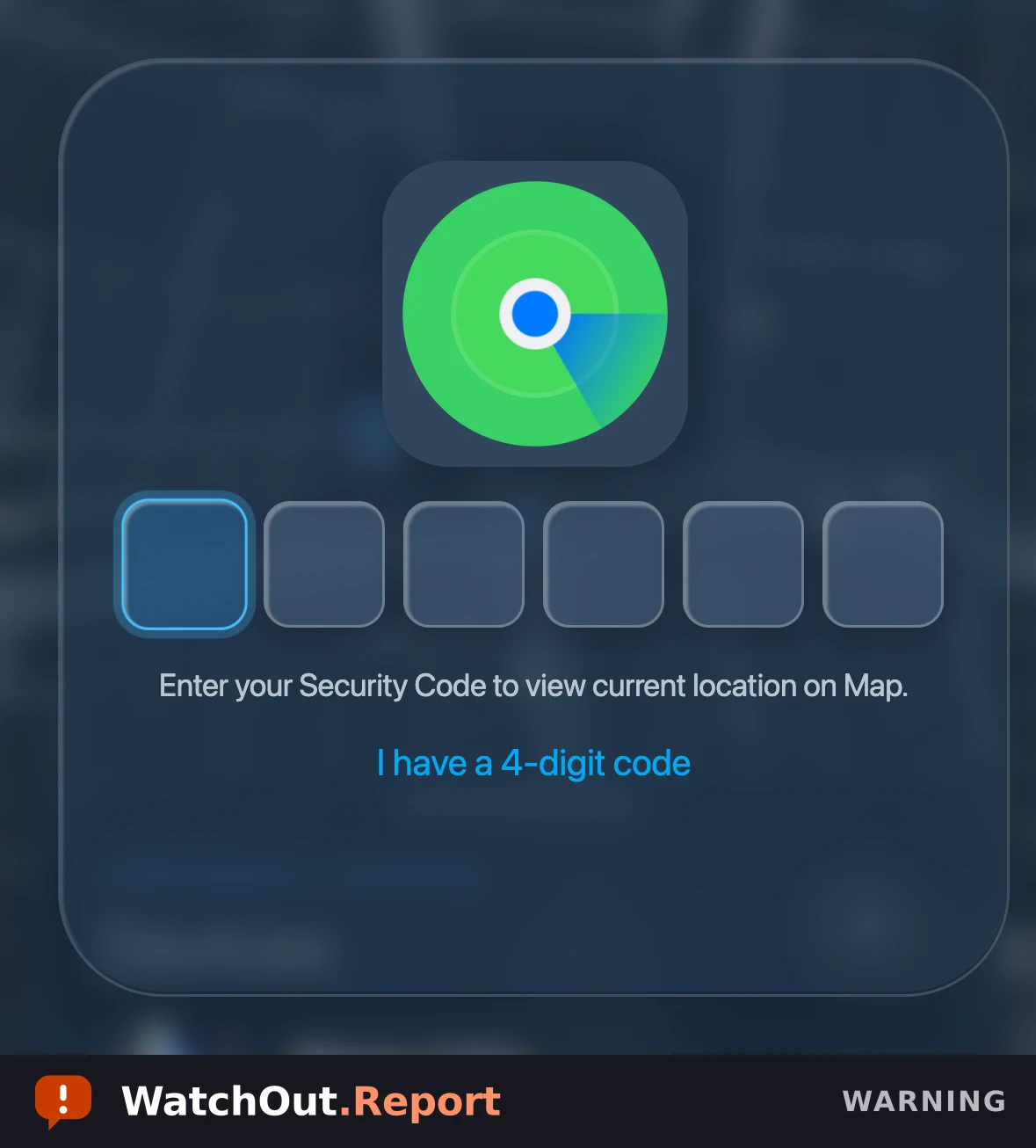
Observed domain or link
- lcloud.find-ld[.]co
What to do
- Never enter your phone's unlock passcode into a web page, message, email, or to a caller.
- Check a missing device yourself: open the Find My app on another Apple device you own, or reach Apple's iCloud site by typing the address into your browser yourself.
- Leave the page if it tells you a code was incorrect and asks you to enter it again.
- If you already entered your passcode or Apple Account details, change your Apple Account password from a different device you trust using Apple's official account site, and change your phone's passcode if you still have the phone.
- Review the devices and trusted phone numbers listed on your Apple Account and remove any you do not recognize.
- In the United States, report it to the FBI's Internet Crime Complaint Center.
- Keep the original message and the web address for reporting, and do not forward the link to others.
What this alert does not establish
- CSRF reviewed the page itself, not the message that delivered it; the delivery method is not established.
- The device model and location shown on the page are fixed values and do not reflect any real device or any real person's location.
- The page's script contains comments written in Spanish and a fixed location in Colombia; neither establishes the identity, nationality, or physical location of whoever created or operates the page.
- The page carried an internal link reference number; a reference number is not a count of recipients or of affected people.
- CSRF cannot confirm whether any specific person entered information into this page.
- A recent registration date, a look-alike name, or a match in a public phishing feed is a signal and does not by itself prove who is responsible.
- The page may move to other addresses, and related pages may use different wording or ask for a different code length.
Share this warning
This alert is also on WatchOut, our shareable alert feed, with one-tap sharing and free email alerts.