
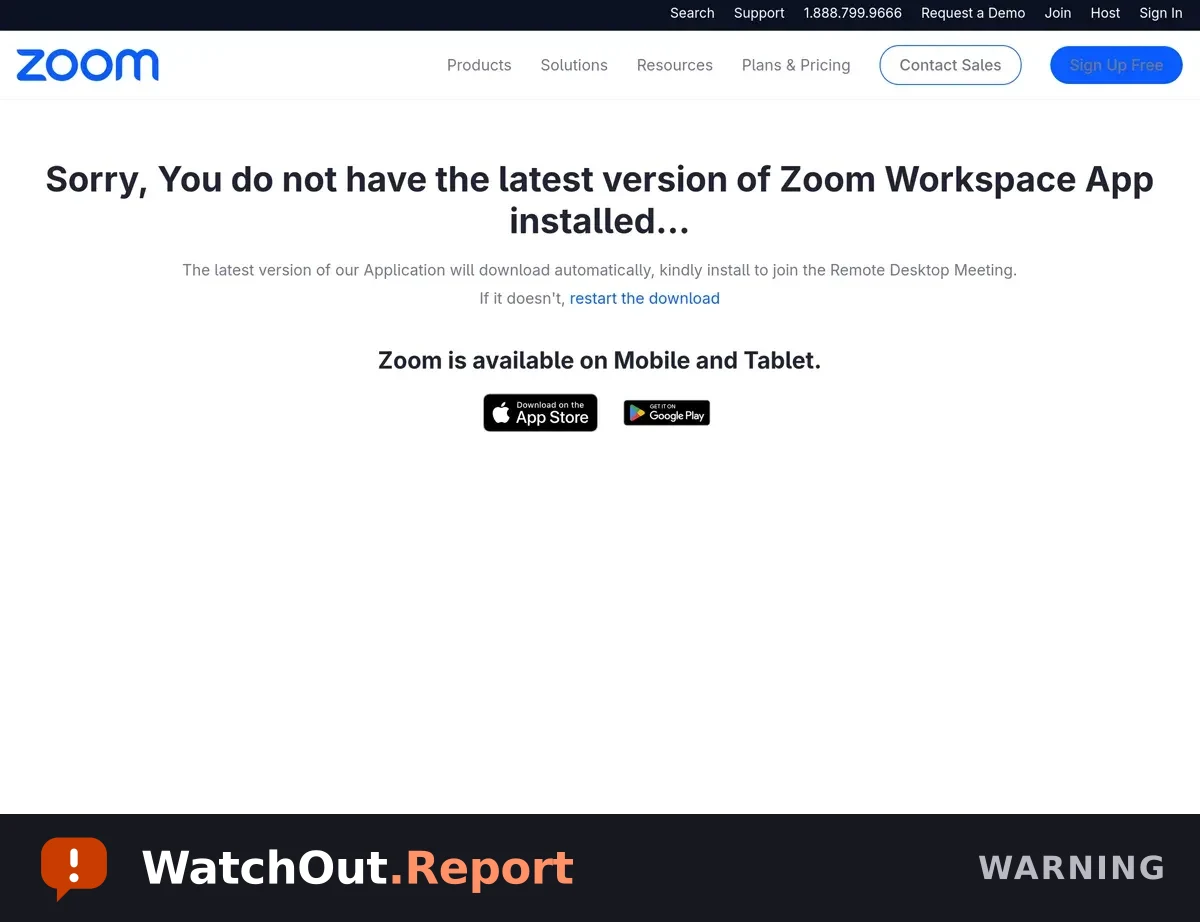
Observed domain or link
- quickmeetinglink[.]es
- quickmeetinglink[.]es/esjoinzoom[.]us/Windows/invite[.]php
What to do
- Do not download or run the offered file.
- Close the page and join Zoom through the official app or by typing the official website address yourself.
- If you downloaded the file but did not run it, delete it and empty the Trash or Recycle Bin.
- If you ran it, disconnect the device from the internet and ask a trusted technician or security professional for help. Change important passwords from a different clean device.
What this alert does not establish
- The page operator and number of people targeted were not confirmed. The downloaded file was flagged as malware; do not execute or redistribute it.
Share this warning
This alert is also on WatchOut, our shareable alert feed, with one-tap sharing and free email alerts.