
Article · Phishing
Scammers don't need to cause an outage to use one: what to watch for as Microsoft 365 recovers
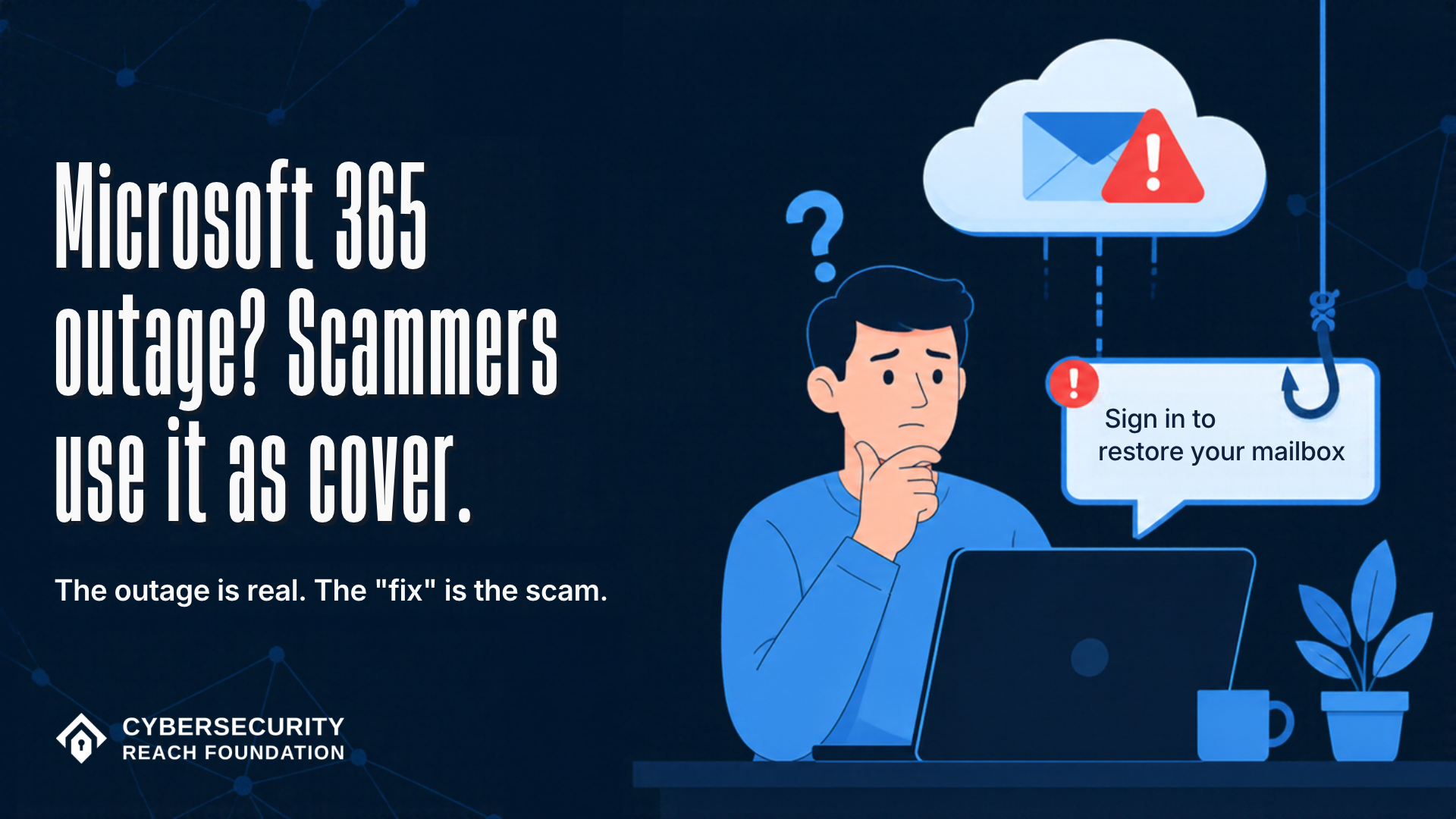
Microsoft says its Microsoft 365 outage was not an attack. Scammers don't need it to be: a real outage gives them a believable story, a reason to hurry you and a crowd of distracted people. Here is why the recovery is the risky part, what these fake messages and calls tend to sound like, and the one rule that covers all of them.
- Published
- Reading time
- 6 minutes
Updated Friday, November 13, 2026, 9:45 AM ET.
Microsoft 365 has been down or unreliable for most of a day. Outlook, Teams and the rest started failing shortly before 1 PM ET on Thursday. As of Friday morning, things are coming back, but Microsoft says some people may still have trouble getting in or receiving email.
Microsoft says it has found no sign of an attack. But you don't have to hack Microsoft to take advantage of a Microsoft outage.
Why scammers love a real crisis
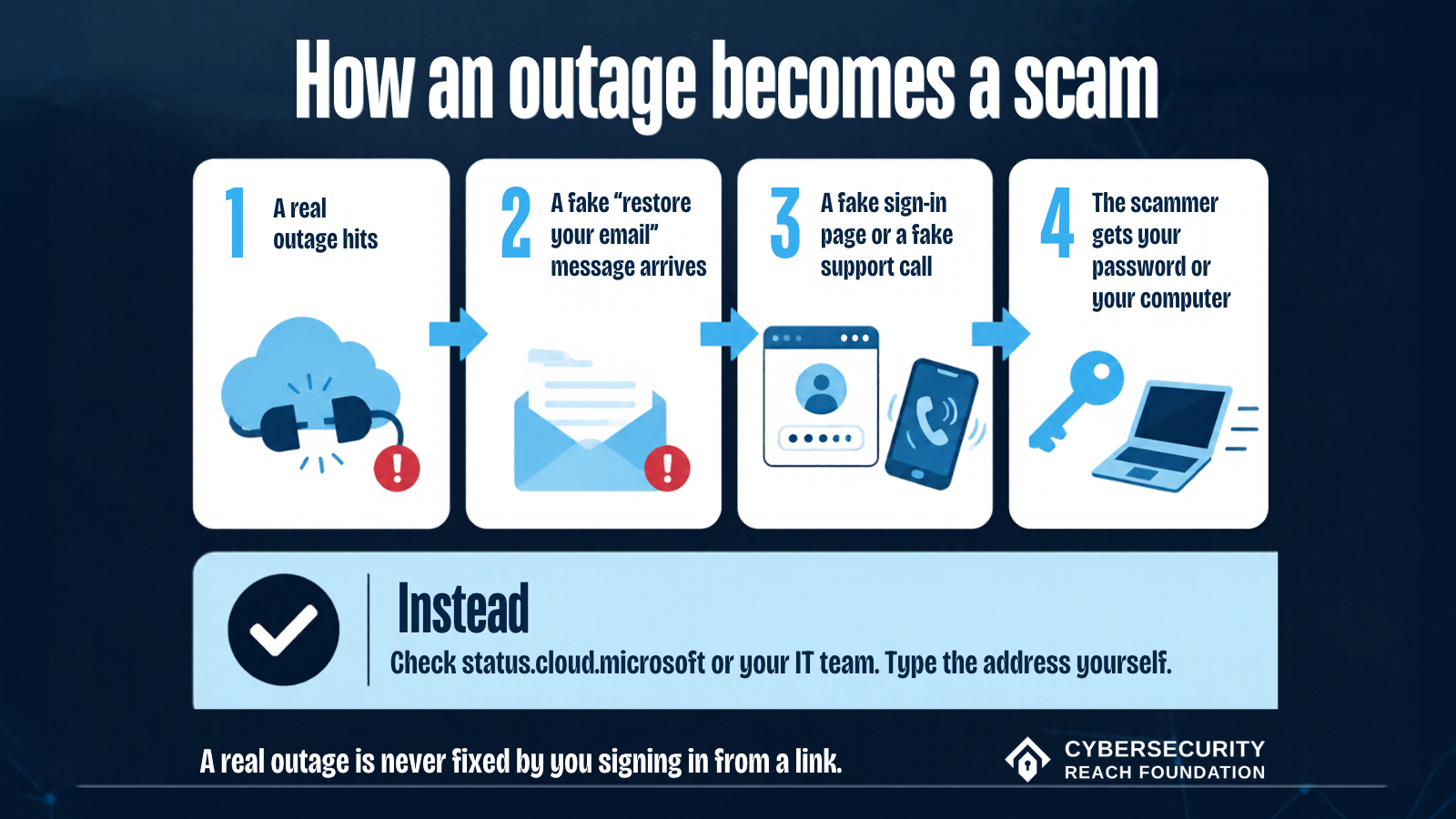
Scammers don't need to cause a problem. They need a story you'll believe, a reason for you to hurry, and a lot of people who are too busy to look closely. A real event hands them all three for free.
Think about how this outage feels from the inside. Your email stopped working. You don't know if it's your account, your company or the whole world. Then a message shows up offering to fix it. On a normal day, "sign in again to restore your mailbox" would look odd. Today it looks like exactly what you were waiting for.
That's the trick. The outage does the persuading. The scammer only has to show up with a link or a phone number.
This isn't special to Microsoft. The same thing happens after storms, data breaches, airline meltdowns, tax deadlines and big shopping holidays. The news is real. The "fix" is the scam.
The dangerous part is the recovery
Most people relax once their email comes back. We think that's the moment to be most careful.
To keep delayed messages from being lost, Microsoft is letting held email keep trying to deliver for up to 48 hours. As service returns, a day's worth of mail can land at once. People clear that pile fast, and many are half expecting messages about the outage. A fake one fits right in.
It also helps scammers that Microsoft is already the brand they copy most. In the third quarter of this year, Check Point counted Microsoft in one out of every three brand phishing attempts it tracked.
What these messages and calls sound like
Here are typical examples of what they tend to sound like.
A fake "restore your email" message. Something like: "Due to the recent Microsoft 365 service disruption, your mailbox has been suspended. Sign in within 24 hours to restore access and recover delayed messages." The link goes to a page that looks like Microsoft's sign-in screen and keeps whatever password you type.
A fake "security check" after the outage. Something like: "As part of our post-incident review, all users must re-verify their account. Click below to confirm your identity." Real companies don't make you prove who you are through a link because their own servers had a bad day.
A fake support call. Someone phones and says they're from Microsoft or your IT department: "We're calling everyone affected by the outage. I can get your email working in a few minutes. I just need you to install a quick tool so I can connect to your computer." That tool gives them control of your machine.
A fake "fix" number. A message, a pop-up or even a search result that says: "Outlook down? Call Microsoft support now," with a phone number that rings a scammer.
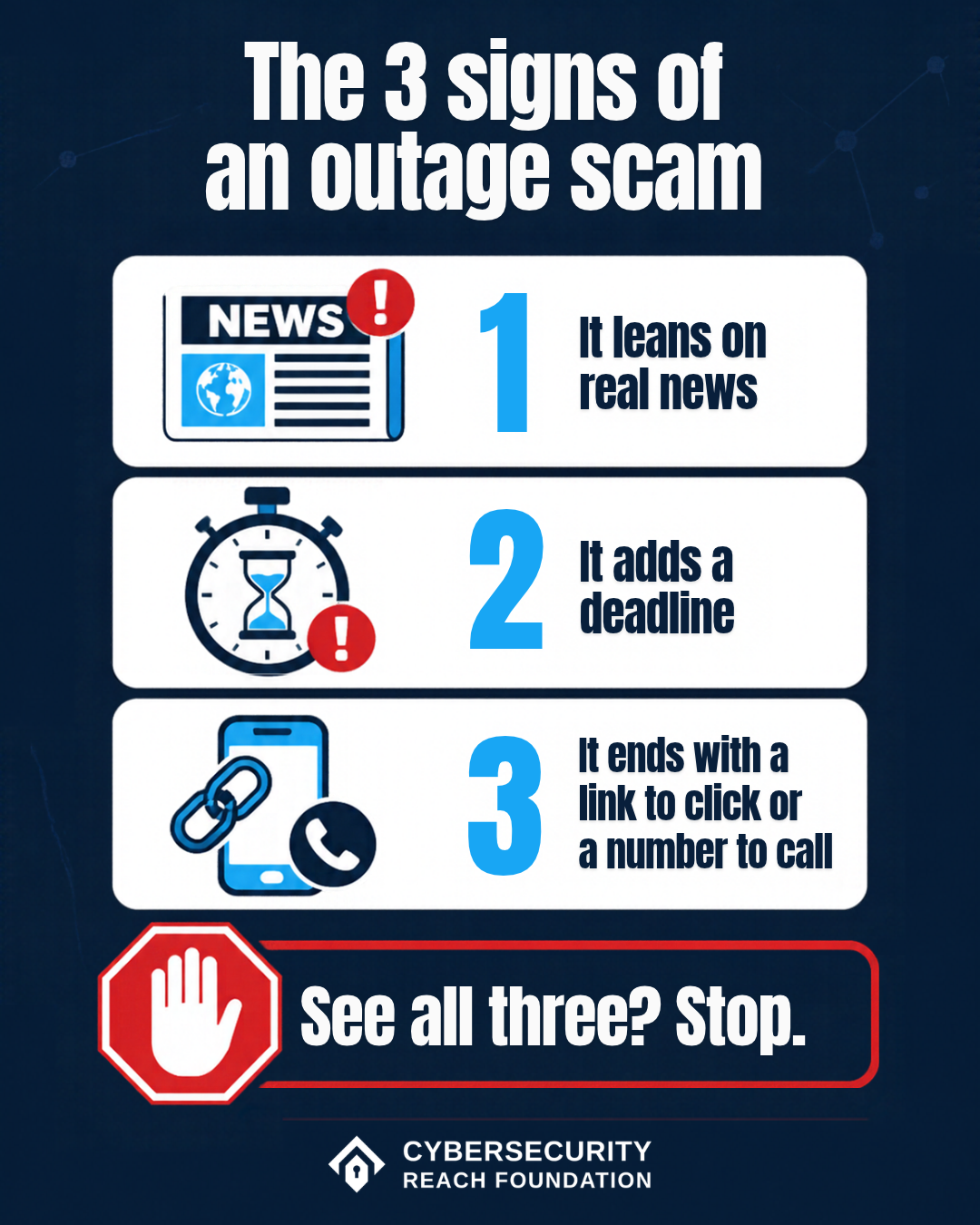
Notice the pattern. Each one leans on real news, adds a deadline, and ends with a link to click or a number to call. When you see all three together, stop.
The one rule that covers all of it
A real outage is never fixed by you signing in from a link. When Microsoft's servers come back, your email comes back. There is nothing for you to click, re-verify or install.
So:
- Check outage news yourself. Use Microsoft's status page (status.cloud.microsoft) or your own IT team, reached the way you normally reach them.
- Don't sign in from a link in any message about the outage. If you want to check your account, type the address yourself.
- Don't let anyone who called you install software or take over your computer. Hang up and call your IT team or the company back on a number you already know.
- Never give out a verification code or password to someone who contacted you first.
- If you already typed your password into a link, change it right away on the real site, change it anywhere else you use it, and turn on two-step sign-in.
If you look after IT for a small organization
- Tell your staff today how the real help desk will contact them, and that it will never ask for their password or ask them to install anything over the phone.
- Warn people about the flood of delayed mail before it arrives, not after.
- Once things settle, look back over the outage window for sign-ins you don't recognize, new inbox forwarding rules and account changes. These are easy to miss while everyone is busy getting email back.
Not sure about a message?
Please take an extra minute before you click anything about this outage. It's a small habit, and it's the one that matters most this week.
If something lands in your inbox or rings your phone and you're not sure, send it to us before you act on it:
- Paste it into our free scam checker.
- Forward a suspicious email to check@inboxspotter.com through InboxSpotter for a plain-language answer.
- Send a text, message or screenshot to CyberScout on WhatsApp.
- If you already clicked or shared something, our free recovery plan walks you through what to do next.
You can also read our guides to phishing and tech support scams.
Sources
- Microsoft service health status: https://status.cloud.microsoft/
- BBC News live coverage, including Microsoft's Nov 13 status updates: https://www.bbc.com/news/live/cq5y10ge3dp3t
- CNBC (Nov 12 to 13, 2026), timing and the 48-hour email window: https://www.cnbc.com/2026/11/12/microsoft-outage-outlook-aws-google.html
- TechCrunch (Nov 13, 2026): https://techcrunch.com/2026/11/13/microsoft-latest-email-outage-turned-into-a-full-blown-global-cloud-crisis/
- McAfee (Nov 12, 2026), on outage-themed phishing and fake support numbers: https://www.mcafee.com/blogs/security-news/microsoft-outlook-outage-today-why-phishing-warning/
- Infosecurity Magazine, on warnings from the UK NCSC, Australia's National Cyber Security Coordinator and security firms: https://www.infosecurity-magazine.com/news/microsoft-365-outage-security/
- Computer Weekly, on the risk as workers clear the backlog: https://www.computerweekly.com/news/366654608/Global-Microsoft-outage-leaves-users-open-to-phishing-attacks
- Check Point Q3 2026 Brand Phishing Report (Oct 16, 2026): https://blog.checkpoint.com/security/inside-the-q3-2026-brand-phishing-report-microsoft-now-accounts-for-one-in-three-brand-impersonation/