Cybersecurity Reach Foundation
All partner resources

Draft — pending CSRF review. This is source copy. It has not been through editorial, safety, and link review, so do not print or distribute it to a community yet.

Guide

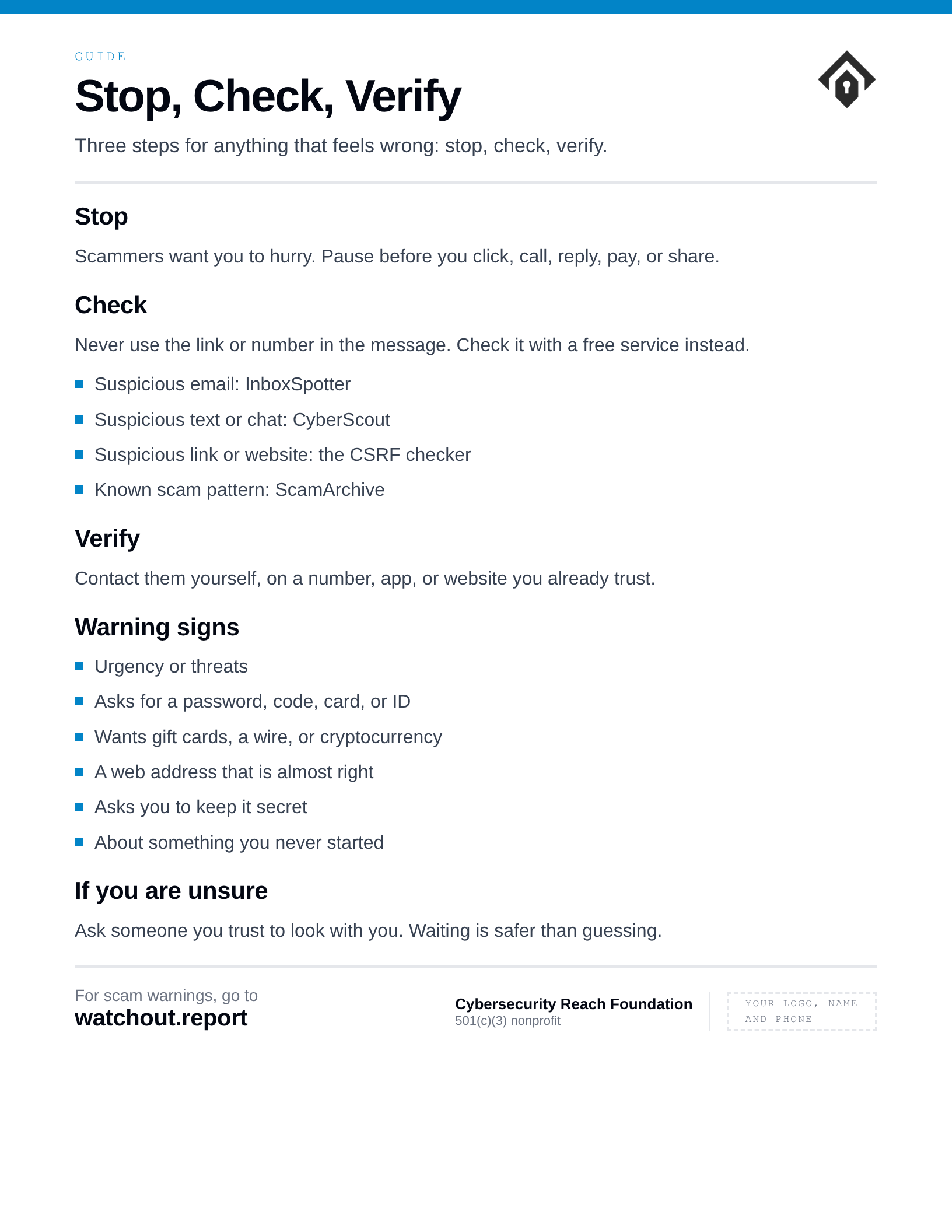
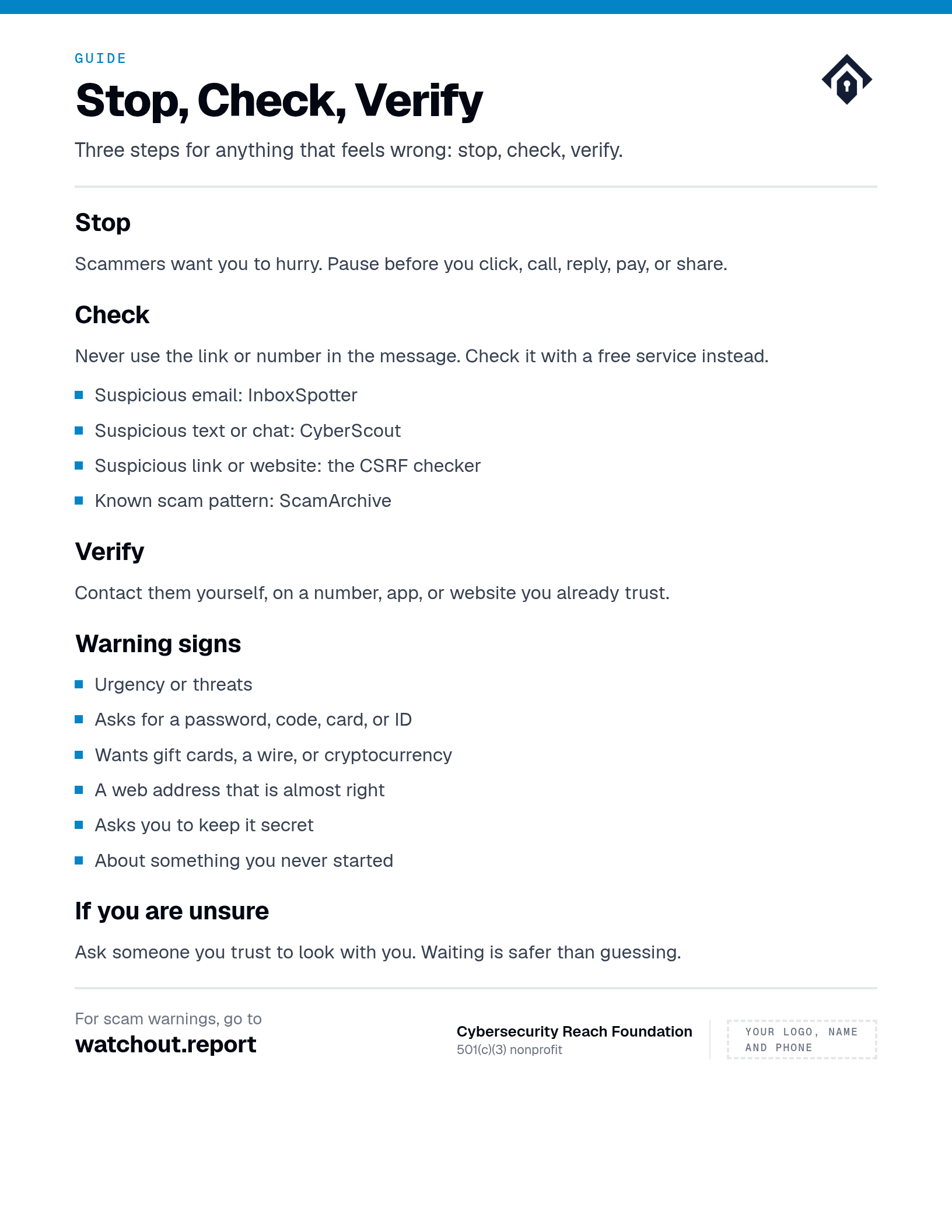
Stop, Check, Verify

A simple guide for anyone who receives a message, call, link, or payment request that feels wrong.

For
All partners
Status
Draft, pending review
Version
Set at review

Stop

Scammers want you to hurry. Pause before you click, call, reply, pay, or share information.

Check

Do not use the link or phone number in the message. Use the appropriate free CSRF checker when it is safe and suitable.

  • Suspicious email: InboxSpotter
  • Suspicious text or chat: CyberScout
  • Suspicious link or website: the CSRF checker
  • Known scam pattern: ScamArchive

Verify

Contact the company, person, school, employer, or agency through a phone number, app, website, or statement you already trust.

Warning signs

  • Urgency or threats
  • A request for a password, one-time code, card details, or identity document
  • Payment by gift card, wire, cryptocurrency, or an unusual payment app
  • A web address that is almost right, but not quite
  • A request to keep the situation secret
  • A message about something you never started or requested

If you are unsure

Ask a trusted person to look with you. Being cautious is not rude, and waiting is safer than guessing.

Before you distribute this

  • Use it: Handout, or the starting point for a workshop.
  • Open every web address yourself before printing it.
  • Current warnings live at watchout.report. Check the date on anything time-sensitive.
Use your browser's print dialog to save this as a PDF.

Cybersecurity Reach Foundation · cybersecurityreach.org · Current warnings: watchout.report

General safety information. CSRF is not a crisis, legal, banking, safeguarding, or law-enforcement service.